How to Backtest a Forex Strategy: The Complete Beginner's Guide
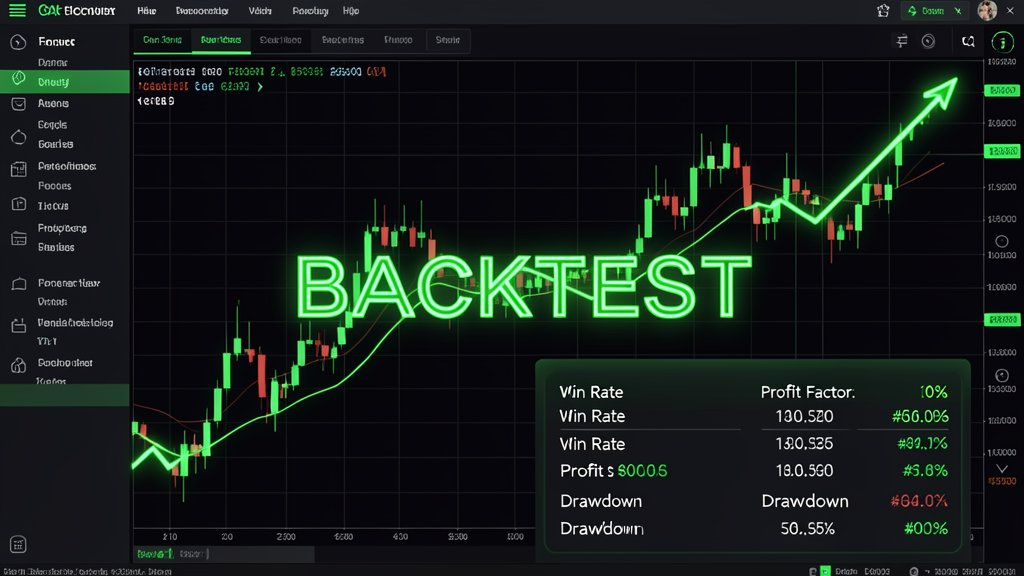
If you're serious about forex trading, there's one skill that separates profitable traders from gamblers: knowing how to backtest a forex strategy properly. Backtesting lets you simulate a trading strategy against historical price data to see how it would have performed — before you risk a single dollar of real capital.
In this guide, you'll learn exactly how to backtest a trading strategy, what tools to use, and the most common mistakes that ruin backtest results.
What Is Backtesting and Why Does It Matter?
Backtesting is the process of applying your trading rules to past market data to evaluate how your strategy would have performed. Think of it as a time machine for your trading ideas. Instead of guessing whether a strategy works, you can see actual results: win rate, drawdown, profit factor, and more.
For forex traders using MetaTrader 4 (MT4) or MetaTrader 5 (MT5), backtesting is built right into the platform via the Strategy Tester. But running it effectively requires more than just clicking "Start."
Step 1: Define Your Strategy Rules Clearly
Before you open the Strategy Tester, write down every rule of your strategy:
- Entry conditions: What indicators, price patterns, or market conditions trigger a trade?
- Exit conditions: When do you take profit or cut losses?
- Position sizing: How much of your account do you risk per trade?
- Time filters: Do you trade only certain sessions (London, NY, Asia)?
- Instrument selection: Which currency pairs do you trade?
Vague strategies produce unreliable backtest results. The more specific your rules, the more meaningful your backtest data will be.
Step 2: Choose Your Backtesting Tool
Most forex traders start with the Strategy Tester built into MT4 or MT5. It's free and works well for basic testing. However, it has limitations:
- MT4 Strategy Tester: Good for single-currency testing, limited to OHLC data
- MT5 Strategy Tester: Supports multi-currency, multi-threaded, tick data — significantly faster and more accurate
- Cloud-based tools like Travia: Run forward tests and backtests without keeping your computer on, with real-time data feeds and detailed analytics
Step 3: Set Up the Test Correctly
- Choose your model: "Every tick" (most accurate), "Control points" (faster), or "Open prices only" (fastest but least accurate). For serious testing, use Every Tick.
- Select a date range: Use at least 2-3 years of data. Include both trending and ranging market conditions.
- Set the spread: Use realistic spreads for the broker and session you plan to trade.
- Enable proper commission: If your broker charges commission, include it in the test.
- Use the right deposit currency: Match your actual account parameters.
Step 4: Run the Backtest and Analyze Results
After running the test, focus on these key metrics:
- Net Profit: Total return over the testing period
- Profit Factor: Gross profit divided by gross loss. Above 1.5 is good; above 2.0 is excellent
- Max Drawdown: The largest peak-to-trough decline. Keep this below 20-30% for most strategies
- Win Rate: Percentage of profitable trades. Lower win rates are fine if the average win is large
- Sharpe Ratio: Risk-adjusted return. Above 1.0 is decent; above 2.0 is strong
- Total Trades: More trades = more statistically significant results. Aim for at least 200+ trades
5 Common Backtesting Mistakes to Avoid
1. Overfitting (Curve Fitting)
This is the #1 mistake. If your strategy performs brilliantly on historical data but fails in live trading, you likely over-optimized. Solution: use out-of-sample data and walk-forward analysis.
2. Survivorship Bias
Using only currently active instruments. Historical data should include instruments that were delisted or removed.
3. Ignoring Slippage and Spread
Markets move. Your backtest should account for realistic slippage, especially during high-impact news events.
4. Peeking into the Future
Accidentally using data that wouldn't have been available at the time of the trade. This is why proper forward-testing is so important.
5. Insufficient Sample Size
Testing on a few weeks or months of data doesn't prove anything. You need multiple market cycles to validate a strategy.
From Backtesting to Live Trading
Once your backtest passes muster, the next step is forward testing (also called paper trading). This runs your strategy on live market data in real-time, but with virtual money. Forward testing validates that your backtest results hold up in actual market conditions.
Travia makes this easy by letting you run forward tests in the cloud 24/7 — no need to keep your computer on or worry about internet connectivity.
Start Forward-Testing Your Strategies on Travia